Nullam dignissim, ante scelerisque the is euismod fermentum odio sem semper the is erat, a feugiat leo urna eget eros. Duis Aenean a imperdiet risus.
Nullam dignissim, ante scelerisque the is euismod fermentum odio sem semper the is erat, a feugiat leo urna eget eros. Duis Aenean a imperdiet risus.
Remote Access is a powerful feature that enables IT administrators to securely connect to managed devices remotely for troubleshooting, support, and maintenance. Whether an employee is in the office, working from home, or traveling internationally, IT teams can provide instant support without physical access to the device. Our secure remote access solution eliminates geographical barriers while maintaining enterprise-grade security and complete audit trails.
From resolving technical issues to pushing critical updates, managing sensitive data, or investigating security incidents, remote access capabilities provide IT teams with unprecedented control and visibility. Support complex device configurations, deploy emergency patches, or perform advanced troubleshooting—all securely through encrypted channels with full administrative oversight.
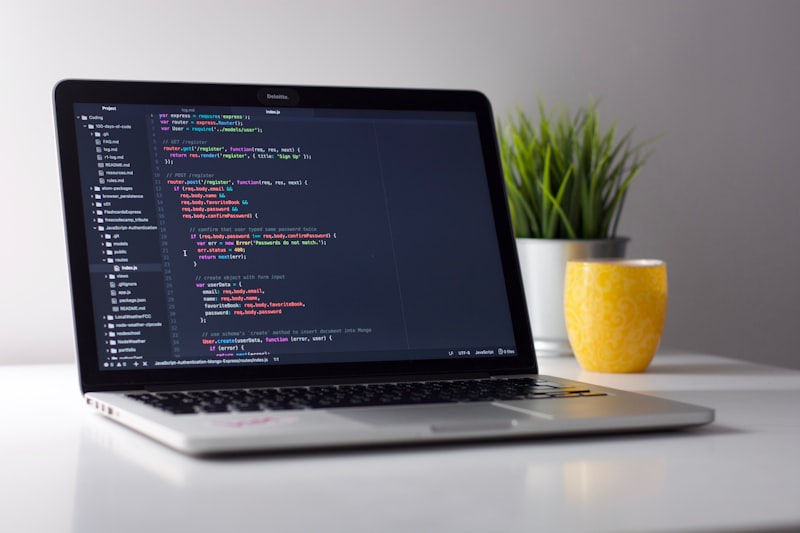
Secure Remote Device Management from Anywhere
View and control device screens in real-time. See exactly what users see, guide them through processes, or take temporary control to resolve issues directly.
All remote sessions are protected with military-grade AES 256-bit encryption. Secure communication channels prevent man-in-the-middle attacks and unauthorized interception.
Execute commands, access device logs, check system health, and diagnose issues without requiring user assistance. Resolve problems in minutes instead of hours.
Complete audit trails of all remote sessions with timestamps, admin identities, actions performed, and duration. Full compliance with security and regulatory requirements.
Our remote access feature handles diverse IT support scenarios:

Efficient IT support and device troubleshooting
Users submit support requests directly from their devices. A single tap initiates a secure remote session. The IT team receives the request and can view the user's issue in real-time.
Admin connects securely to the device through encrypted channels. The session is logged and tracked in real-time. Users can see what's happening on their device throughout the session.
Access device logs, system information, and configuration details. Execute diagnostic commands and identify root causes. Check app status, device health, and connectivity issues.
Apply fixes directly through remote control. Restart services, clear cache, update configurations, reinstall apps, or push patches without requiring user action.
Session is automatically documented with complete audit trail. Support notes are recorded, resolution is verified, and session is securely closed. Issue is tracked for future reference.
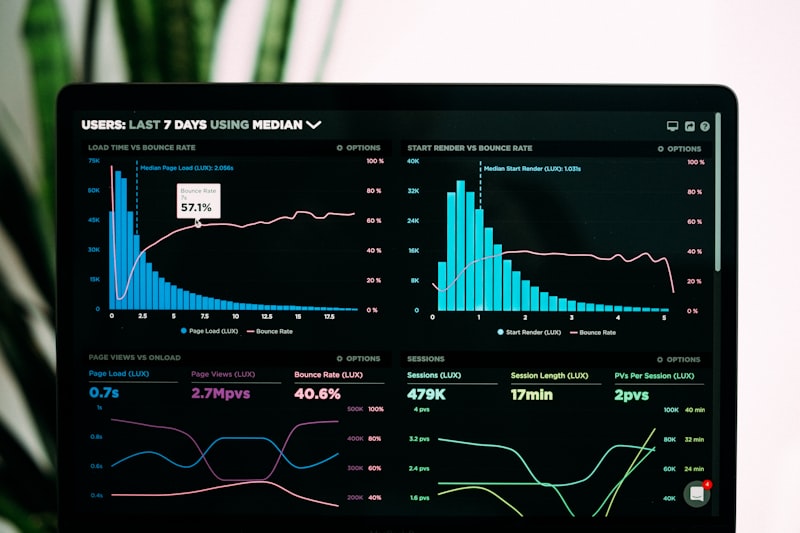
Enterprise-grade remote management technology

Supporting remote and distributed teams
| Use Case | Scenario | Benefit |
|---|---|---|
| Onboarding Support | New employee device setup and configuration | Faster onboarding, fewer support tickets |
| Emergency Fixes | Critical device issues affecting productivity | Immediate resolution, minimal downtime |
| Security Incidents | Suspected malware or security breach investigation | Rapid incident response and remediation |
| Compliance Audits | Verify device compliance without physical access | Real-time compliance verification and proof |
| VPN Configuration | Setup or troubleshoot VPN connections remotely | Users stay connected to corporate networks |
| Data Recovery | Access and backup critical data from devices | Prevent data loss, maintain business continuity |

Enterprise-grade security with complete privacy protection
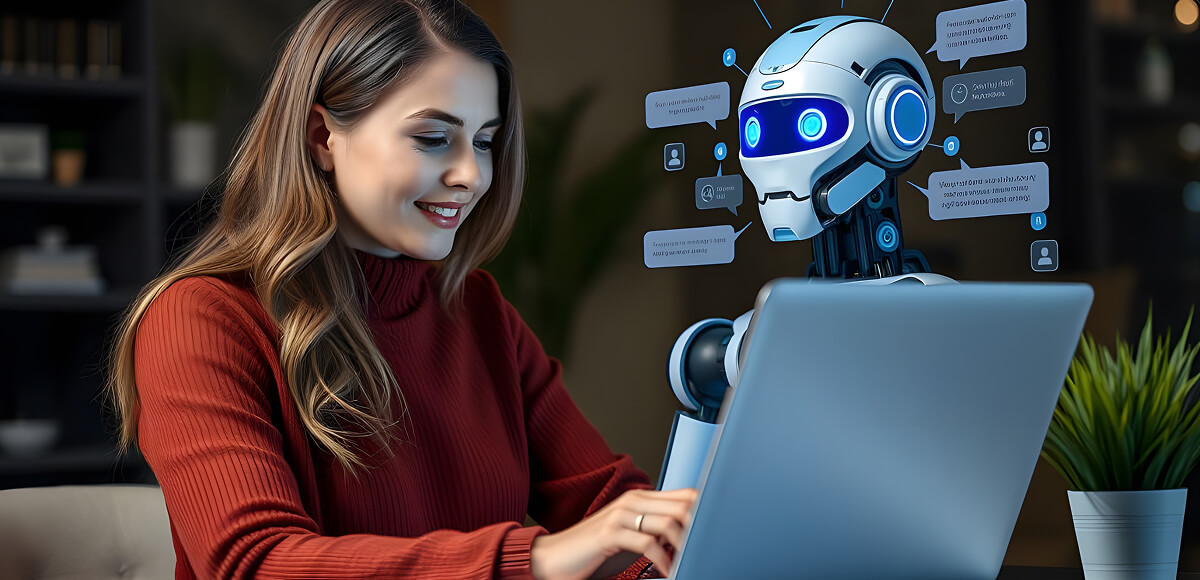
World-class remote support and device management
Yes, absolutely. All remote access sessions are protected with military-grade AES 256-bit end-to-end encryption. Communication channels are secured with SSL/TLS protocols, preventing unauthorized interception or man-in-the-middle attacks.
Yes. Users receive notifications when remote access is initiated on their device. They can see real-time activity during the session and access complete audit logs afterward showing who accessed their device, when, and what actions were performed.
Yes, with role-based access control (RBAC). You can define granular permissions specifying which admins can access which devices. Restrict by device type, department, ownership status, or create custom criteria for access restrictions.
Yes. Remote access works globally through secure cloud infrastructure. Access devices anywhere—whether users are in the office, working from home, traveling, or on vacation. Full support for distributed and remote-first organizations.
Yes. Admins can terminate remote sessions at any time. Sessions also automatically terminate after a configured timeout period. Users can also manually disconnect sessions if they wish to end remote access.
Remote access enables comprehensive device management: screen viewing/control, file transfers, command execution, app installation/removal, device rebooting, log access, configuration changes, and troubleshooting. Specific capabilities can be restricted by admin role.
Yes. Complete audit trails with timestamps, admin identification, and action logging meet HIPAA, GDPR, FINRA, SOX, and other regulatory requirements. Compliance reports are automatically generated for regulatory submissions.
Unlimited concurrent sessions. Support teams can manage hundreds of devices simultaneously. Each session is isolated and secured independently without affecting others or impacting system performance.
Yes. Full remote access support for iOS, Android, Windows, macOS, and ChromeOS devices. Consistent experience and capabilities across all platforms with platform-specific optimizations.
Enhanced productivity with seamless remote support
Provide secure, efficient remote access to devices globally. Support your distributed workforce with enterprise-grade remote device management.
Copyright © 2026 Cloud Phones. All Rights Reserved.